Skip to content

What's New in Ox App Suite

Discover the newest features that make OX App Suite even more powerful.

April 2026

New

Smart Search for Emails

App Suite Email
Smart Search for Emails

How it works

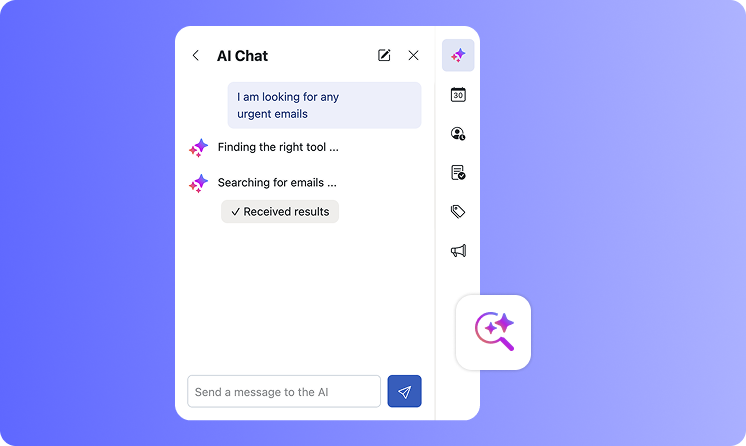
With Smart Search, you can simply describe what you’re looking for, and OX AI will understand the intent behind your request. Instead of relying on exact keywords, it reads and interprets email content to deliver more accurate and relevant results.

Type your request in plain language, just like you would ask a colleague. The AI scans your inbox, understands context, and returns emails that match what you are looking for.

Users can switch this feature on or off anytime in the App Suite AI Settings (Settings > AI > AI Features


Try it yourself

Not sure where to start? Here are a few things you can ask:

  • “Show me my latest invoices”

  • “Find the email with my hotel booking”

  • “Where is the meeting link from last week?”
January 2026

Trusted brand logos right in the inbox (BIMI)

App Suite Email
Trusted brand logos right in the inbox (BIMI)

What is BIMI?

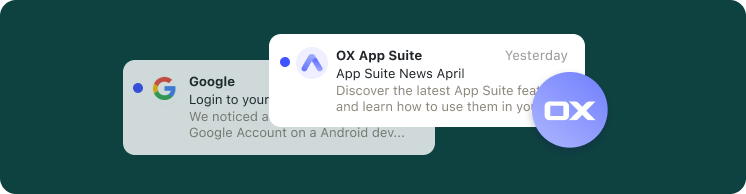
App Suite now supports BIMI (Brand Indicators for Message Identification), an open standard that lets participating brands show their verified logo next to their emails. When a sender uses BIMI, users will see their official logo beside the message, making it easier to recognize familiar brands at a glance.

December 2026

Email Snooze, a new way to manage your inbox

Email Calendar
Email Snooze, a new way to manage your inbox

Email Snooze

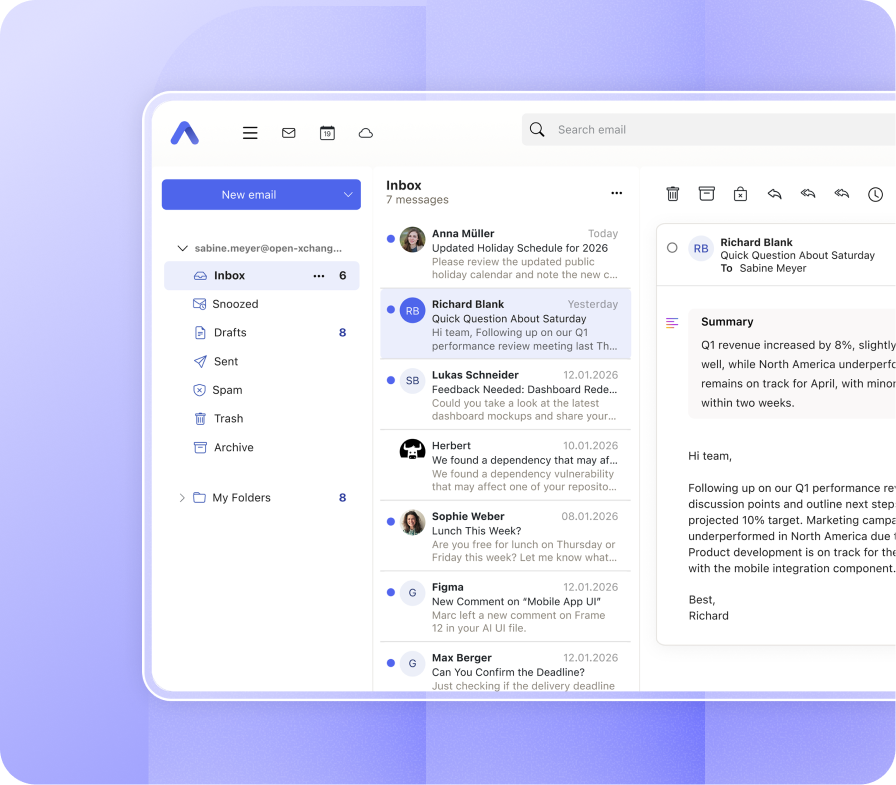
This release introduces Email Snooze, a new way to manage your inbox by temporarily setting messages aside until you’re ready to handle them. Snoozed emails return at the time you choose, helping you stay focused and keeping your inbox organized. The interface has also been refined with clearer icons, unified progress bar styling and improved behavior when handling large or complex emails.


User experience improvements

Beyond the new feature, this release brings a range of user experience improvements across mail, calendar and portal components. The overall interface behaves more consistently, accessibility has been strengthened — including refinements to keyboard navigation and focus handling — and numerous issues have been resolved to make everyday interactions smoother and more reliable.

OX App Suite Software Subscription v8.50

Stay informed about what's new and discover the latest features and enhancements in our latest updates of OX App Suite.

One-click newsletter unsubscribe:

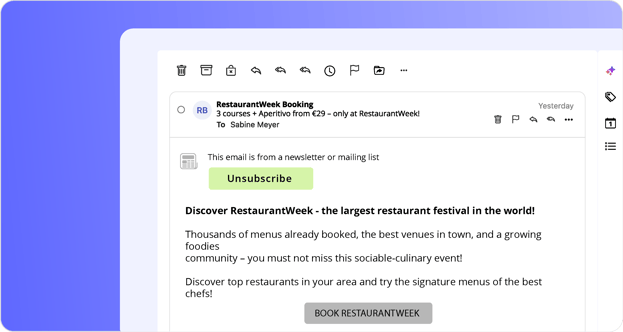
Newsletters and mailing lists now display an unsubscribe banner. When supported, a single click is enough to unsubscribe; otherwise, the relevant unsubscribe page opens automatically. 

Enhanced accessibility throughout App Suite:

This release includes a broad range of accessibility improvements, including better keyboard navigation, improved screen reader support, enhanced focus handling, clearer ARIA semantics, and improved color contrast across various areas of the user interface. 

Unread indicators for shared mailboxes:

Shared mail accounts now show unread message indicators across all folders, making it easier to spot new activity at a glance. 

More control over sent mail in shared accounts:

When sending messages from a shared account, users can now choose where copies of sent messages are stored. 


July 2026AI

Draft emails with AI Chat

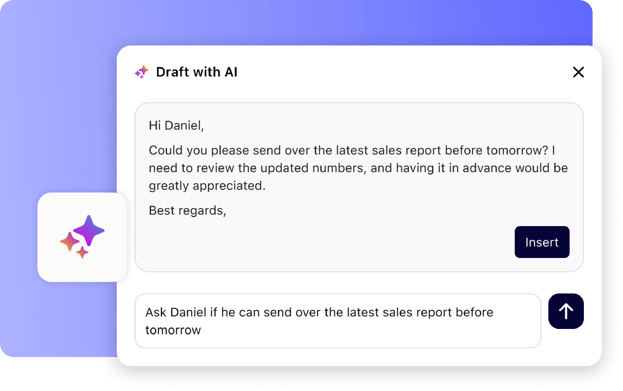
Your personal writing assistant is now available directly in the compose window. Open the AI chat while writing an email and let it help you draft, rephrase, or refine your message. The AI knows who you're writing to and what's already in your draft. Just tell it what you need, and it writes or updates your email for you. 

draft AI

July 2026Calendar

See your tasks in the calendar

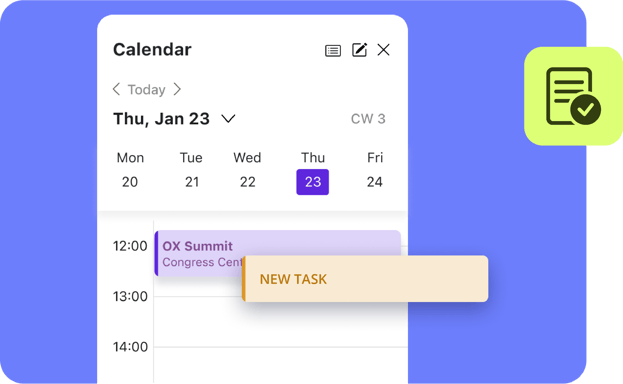
Your tasks with a due date can now appear in your calendar. Turn on the new “Tasks” calendar to see them on their due date — alongside your appointments in the week, month, day and sidebar views.

tasks

May 2026E-mai

Unsubscribe from newsletters in one click

Newsletters and mailing lists now include an unsubscribe button. In many cases, one click is all it takes — and when that’s not possible, we’ll open the unsubscribe page for you.

unsubscribe-1

April 2026AI

Smart Search for Emails

Let the AI read your inbox and just ask what you’re looking for. It understands your request and finds emails based on their content, not just exact words, so you get the right results faster.

You can switch this feature on or off anytime in Settings > AI > AI Features 

img001

April 2026Usability

CalDAV and CardDAV Sync for Android Devices

You can now keep the calendars and contacts on your Android device in sync with the DAVx⁵ Select app.

Connect your device

January 2026E-mail

See trusted brand logos right in your inbox

We now support BIMI (Brand Indicators for Message Identification), an open standard that lets participating brands show their verified logo next to their e-mails. When a sender uses BIMI, you’ll see their official logo beside the message, making it easier to recognise familiar brands at a glance.

Frame 1419aaa

Disclaimer: The features covered on this page are included in the latest version of OX App Suite and may not be available to every user of the product. Please contact your email provider for further details about the availability of features. If you are an email provider and would like to discuss any of the features outlined on this page or to arrange a demo, please contact us.

Read the whole changelog

OX App Suite Release Notes button-arrow-up